Paste a link.
Get a demo video.
One command turns any URL into a smooth, cursor-guided screen recording — animated cursor, eased auto-scroll, a hero pause. Exported as MP4 + WebM, right on your machine.
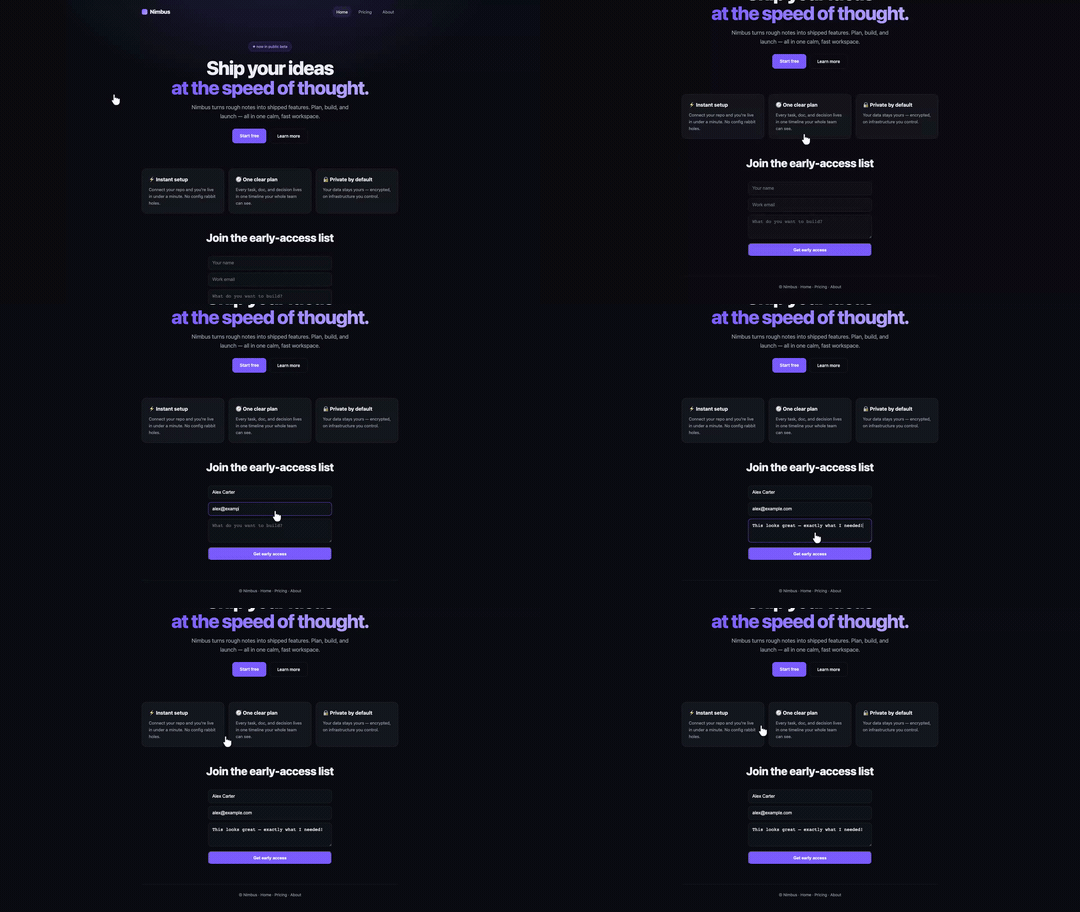
▶ A real site, auto-recorded with scrolltape — smooth scroll + animated cursor, no editing.
↧ Smooth auto-scroll
Eased, frame-paced scrolling that pauses on your sections — never janky.
➤ Animated cursor
Four built-in cursors (white-pointer · mac-hand · cute-paw · brand-dot) glide and click on cue.
◐ MP4 + WebM
Both formats, lead-in auto-trimmed, ready for tweets, READMEs, and sites.
⌘ 100% local
Playwright + ffmpeg on your machine. No cloud, no upload, no account.
↯ Agent skill
Set it up once in Cursor / Claude Code / Codex — then just paste URLs.
⚙ Tunable
Tours, viewports (landscape · portrait · square) and scroll speed via simple flags.
More than a scroll
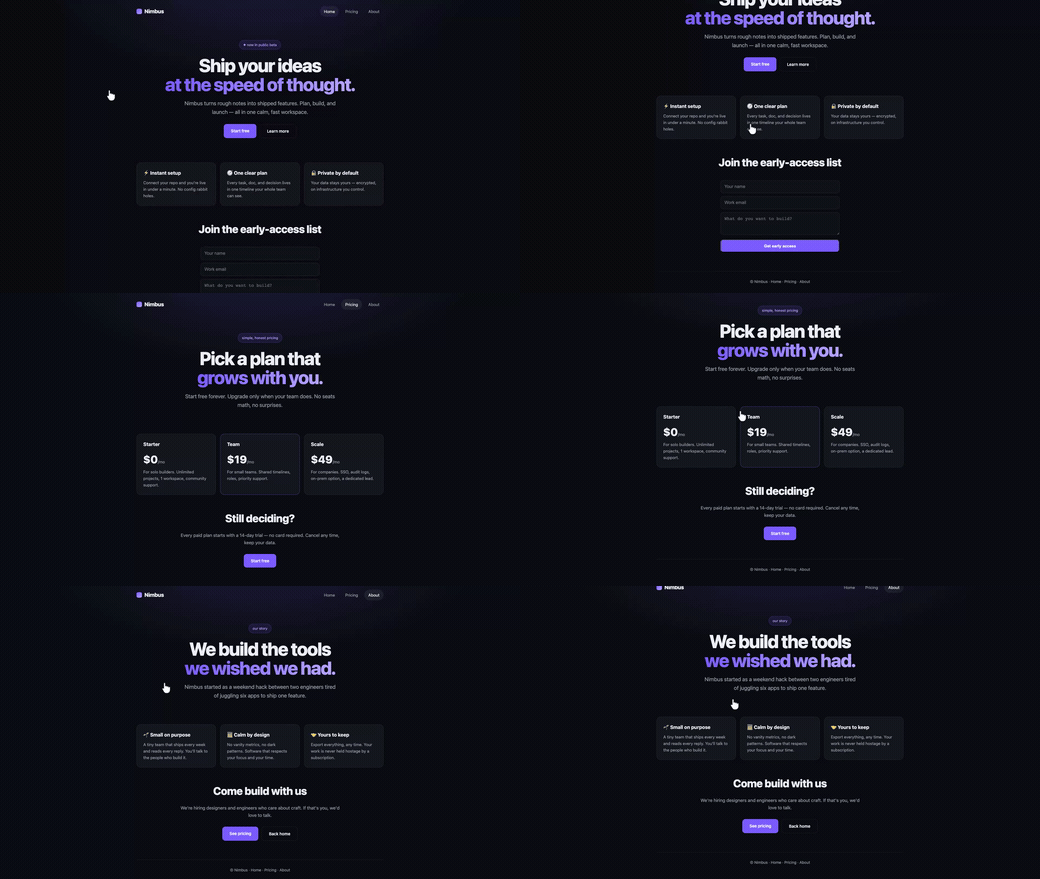
It can interact with the page while it records — fill forms, click through nav, tour every page.
Set it up once — then just paste links
Paste this into Cursor · Claude Code · Codex — or any AI agent — and it installs scrolltape for you. After that you only send URLs.
# paste me into your AI agent ↓
You are setting up scrolltape — paste a link, get a smooth, cursor-guided demo
video of any website (github.com/ahkamboh/scrolltape). It runs 100% on my machine. Set it up:

1. clone + install (one time):
   git clone https://github.com/ahkamboh/scrolltape ~/scrolltape
   cd ~/scrolltape && npm install && npx playwright install chromium
2. make sure ffmpeg is installed (renders the MP4/WebM):
   brew / apt / winget install ffmpeg
3. install the skill so future requests need only a URL — copy
   skills/scrolltape/SKILL.md into my agent's skills folder
   (Cursor ~/.cursor/skills/ · Claude ~/.claude/skills/ · Codex ~/.codex/skills/)
4. confirm ready — after this I'll just paste a site link and you record it.
Then daily: scrolltape https://yoursite.com — or run the CLI yourself: node bin/scrolltape.mjs <url>. README →